
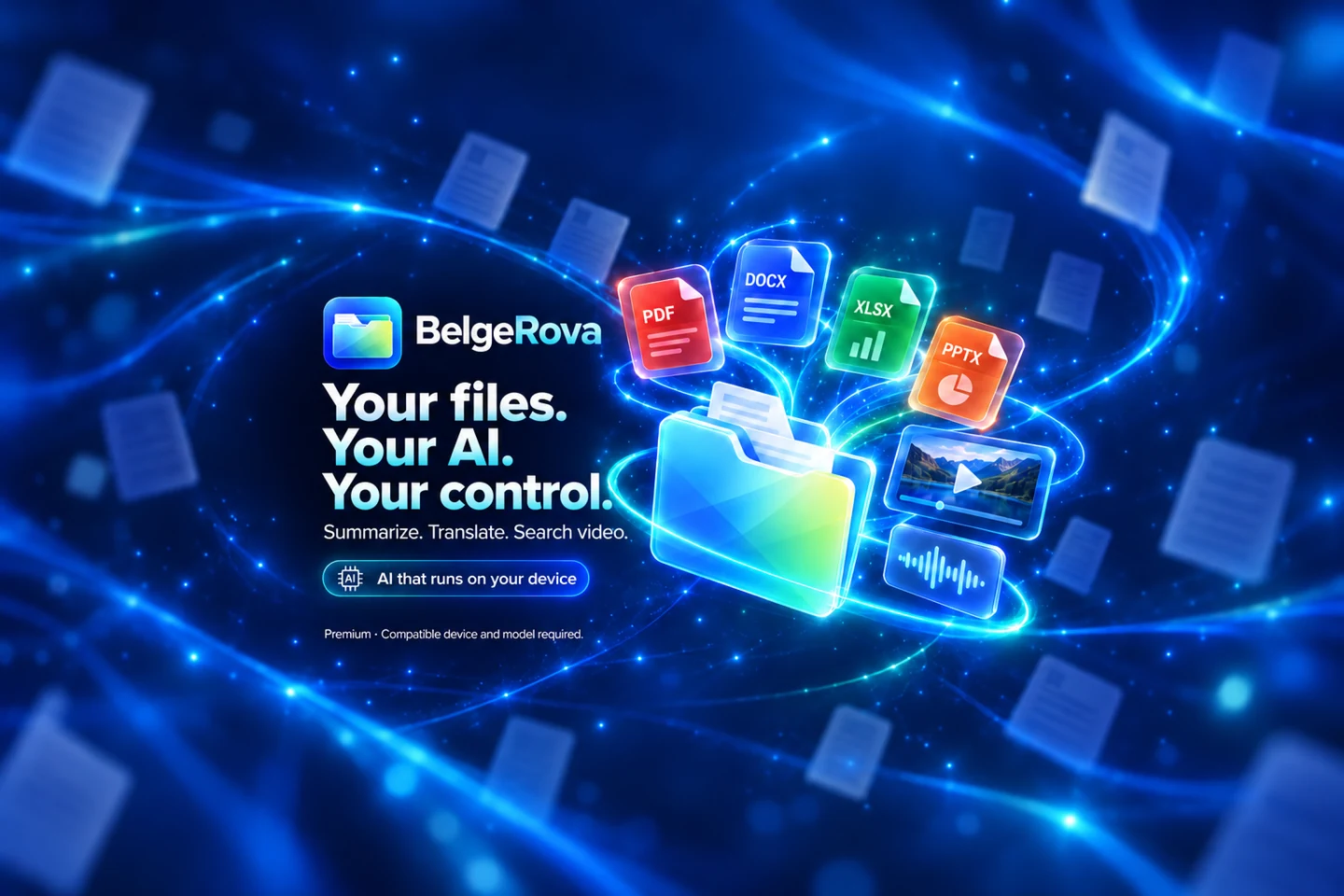
Your files.Your AI.Your control.
BelgeRova 3 brings file management, local AI tools, translation, document summaries and media workflows together on iPhone and iPad.
Free download · In-app purchases
Premium · Compatible device and model required.

Less switching. More doing.
MAKE MORE POSSIBLE
One app.
So many possibilities.
Find a smarter way to work with your documents. Pick a tool and explore the real app.
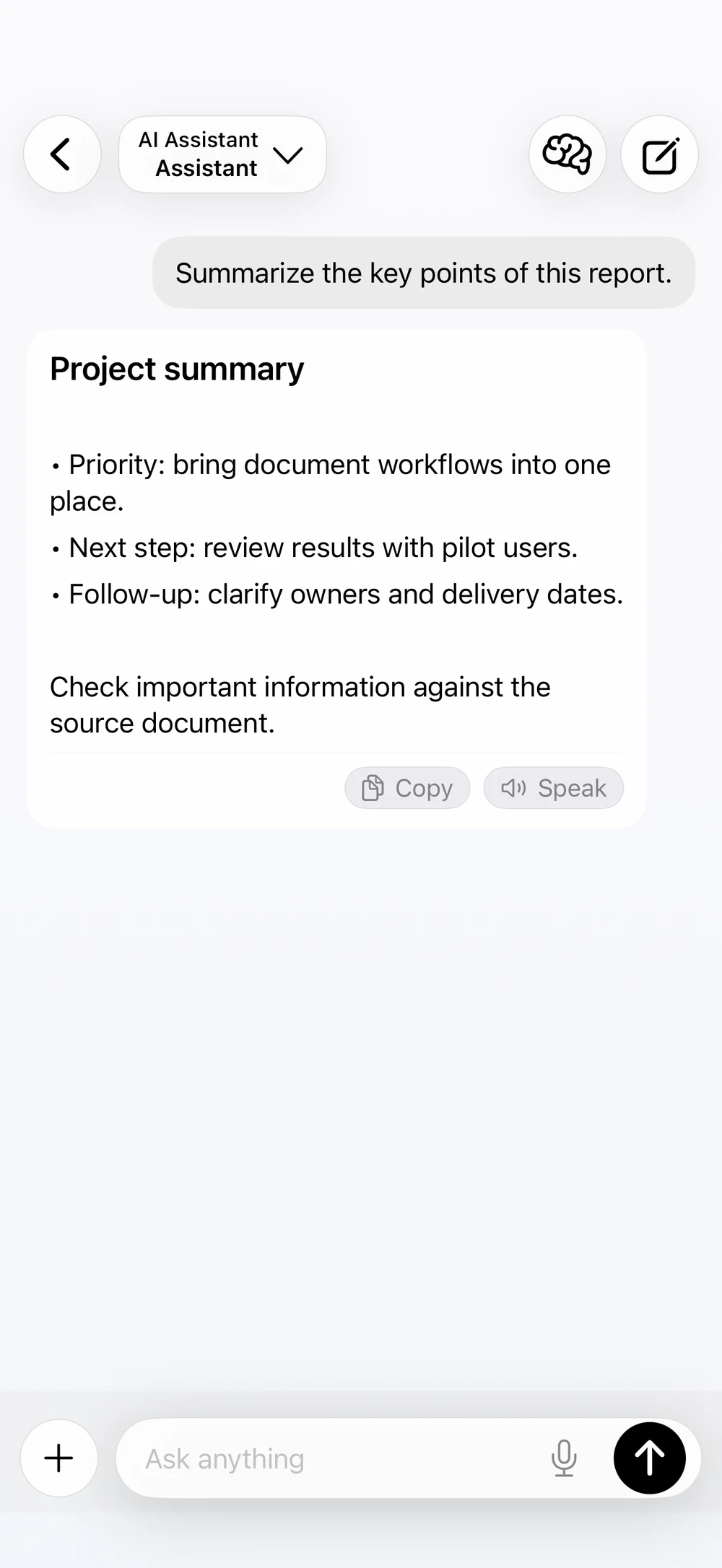
Talk to your files. Move work forward.
Dedicated modes for chat, document assistance and translation.
Use Chat for general questions. Use Assistant to work with your library, find files and request operations. Use Translation to choose source and target languages. File changes requested through Assistant are presented for approval first.
Explore the screensTranslate text. Keep working.
Translation tools for text and supported documents.
Choose a summary length and review the key points of supported documents. Translate text and files. Supported Office translations retain their native file format; PDF translations are produced as reflowed PDFs.
Explore the screensSearch the video. Find the moment.
Search sampled text and speech; jump to a result’s timestamp.
With Advanced Search and a compatible downloaded model, search sampled on-screen writing and available speech transcripts. Tap a result to seek to its timestamp. Search is sampled and does not cover every frame, visual event or ambient sound.
Explore the screens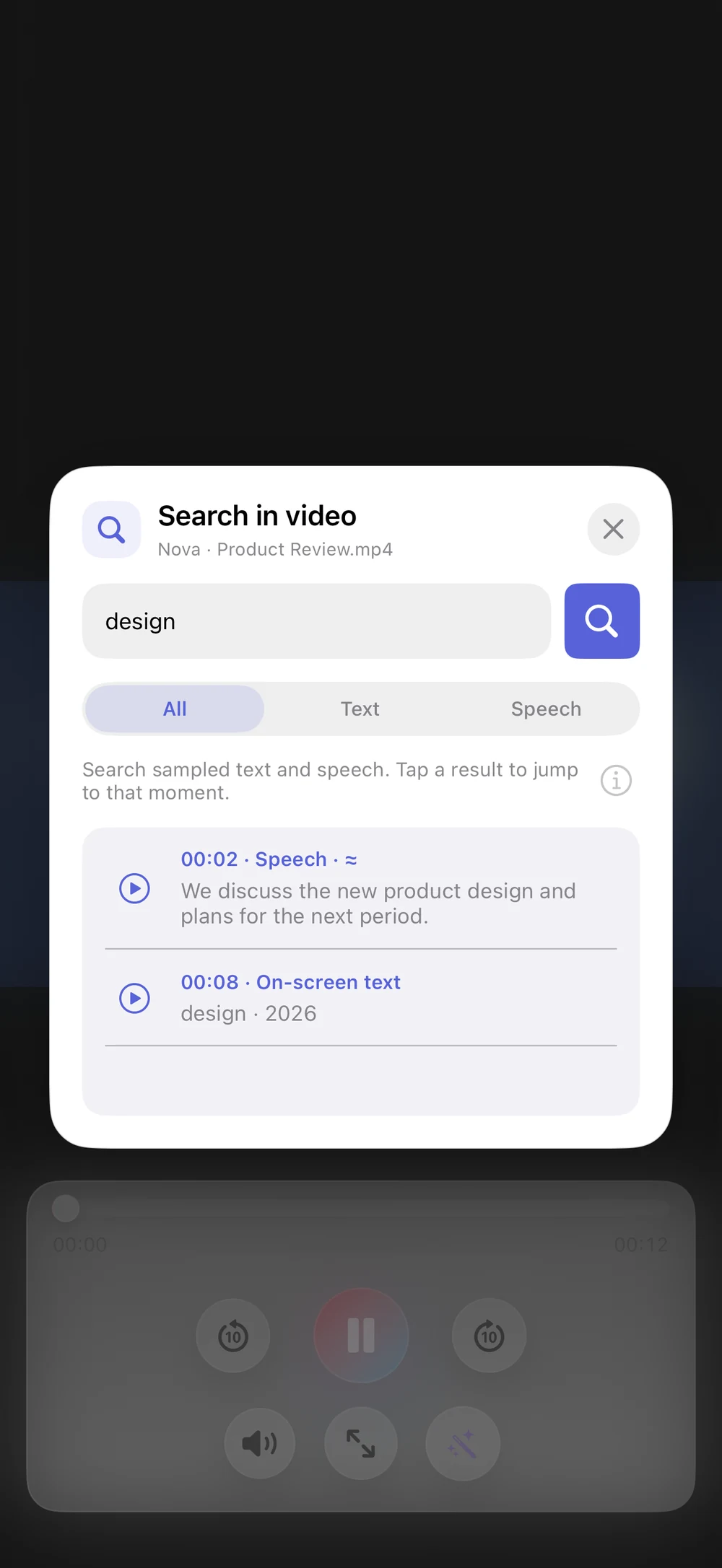
Speech to text. Text to speech.
Work with compatible transcription and speech models.
Transcribe recordings with supported speech models. Listen to text with compatible speech synthesis models. Generate short overviews of supported videos from sampled frames or speech with compatible models.
Explore the screens
Convert to PDF. Choose the layout.
Scope and layout options for supported Office files.
View PDF, DOCX, XLSX, PPTX, text, images and supported media. Use OCR on PDFs and images, take notes and annotate. Convert supported Office files to PDF with scope and layout choices. Organize folders, move, copy, share and export files.
Explore the screens
Your data. Your controls.
Offline mode, local storage and an app lock.
Choose compatible models for text, translation, vision, transcription, speech synthesis and advanced search. After download, supported tasks run on your device. Stay in control with local storage, encrypted file storage, an app lock and offline mode.
Explore the screens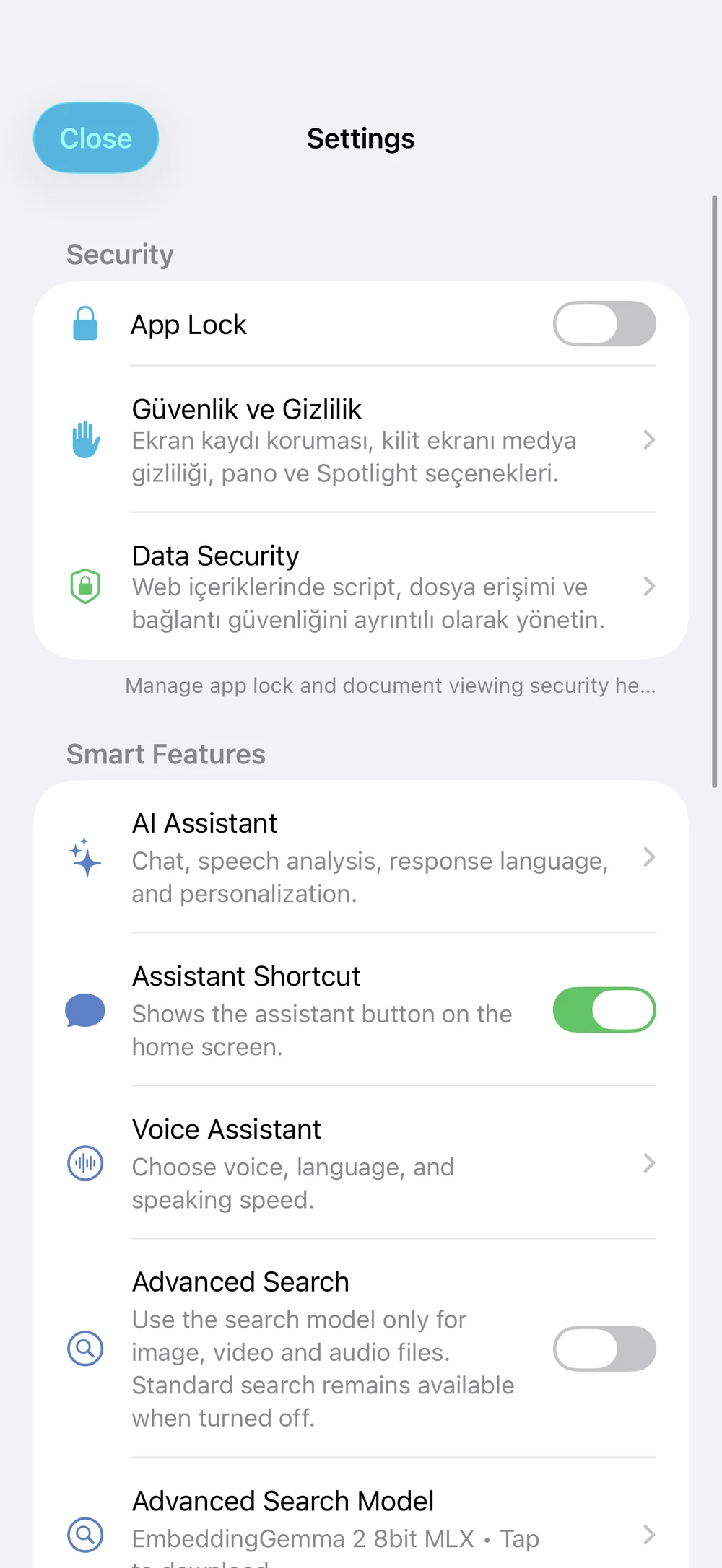
Premium · Compatible device and model required.
EVEN BETTER IN MOTION
BelgeRova 3.
At a glance.
From documents to media, discover your next workflow in a new film in your language.
Real app captures. AI responses and search results are illustrative examples.
Open or download the videoTAKE A LOOK INSIDE
A closer look.
A clearer picture.
10 features. Two devices. Enlarge the current BelgeRova screens to explore.
Version 3 screens with sample data. Some model descriptions and PDF buttons may appear in another language.
YOUR DEVICE. YOUR CONTROL.
Close to your files.
Closer to your privacy.
Choose compatible models for text, translation, vision, transcription, speech synthesis and advanced search. After download, supported tasks run on your device. Stay in control with local storage, encrypted file storage, an app lock and offline mode.
Read our privacy policyIs BelgeRova free?
A limited 7-day demo covers basic file operations. AI, OCR, translation and advanced tools require Premium. The annual subscription renews automatically unless canceled; lifetime access is a one-time purchase. Prices and purchase terms appear in the app before confirmation.
Do I need an internet connection?
Once a compatible model is downloaded, supported tasks run on your device. The first model download needs internet access and free storage. Features and models vary by device; verify important AI results against the source.
Which files can I work with?
View PDF, DOCX, XLSX, PPTX, text, images and supported media. Use OCR on PDFs and images, take notes and annotate. Convert supported Office files to PDF with scope and layout choices. Organize folders, move, copy, share and export files.
Which languages are supported?
The interface is available in Turkish, English, Arabic, French, Italian, Japanese, Korean, Russian and Simplified Chinese.
READY FOR YOUR NEXT TASK
Take your work
one step further.
Download BelgeRova 3. Meet your new workspace for documents, audio and video.
Download on the App StoreFree download · In-app purchases
7-day limited demo for basic file tasks. AI, OCR, translation and advanced tools require Premium.